Yes, Hiveage can automagically send payment receipts for you. This means that you never have to worry about forgetting to send them out!
Enabling payment receipts for all invoices
A catch-all solution: once you enable this, Hiveage will send out a payment receipt every time any client of yours makes a payment.
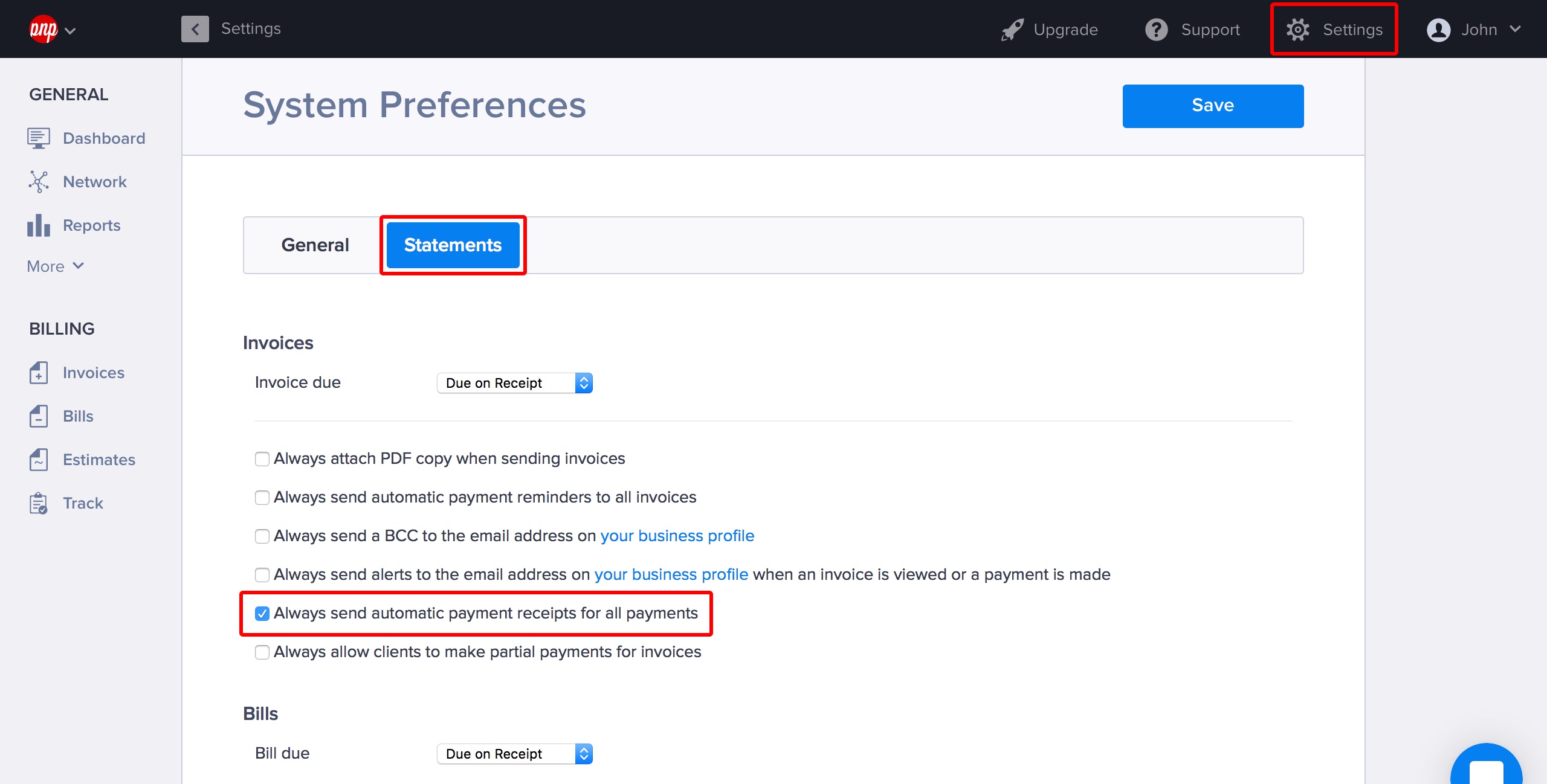
- Go to Settings > System Preferences.
- Select the Statements tab.
- Tick the box labelled Always send automatic payment receipts for all payments.
- Click Save.
Enabling payment receipts for a single invoice
You can also choose to automagically send out payment receipts for a specific invoice.
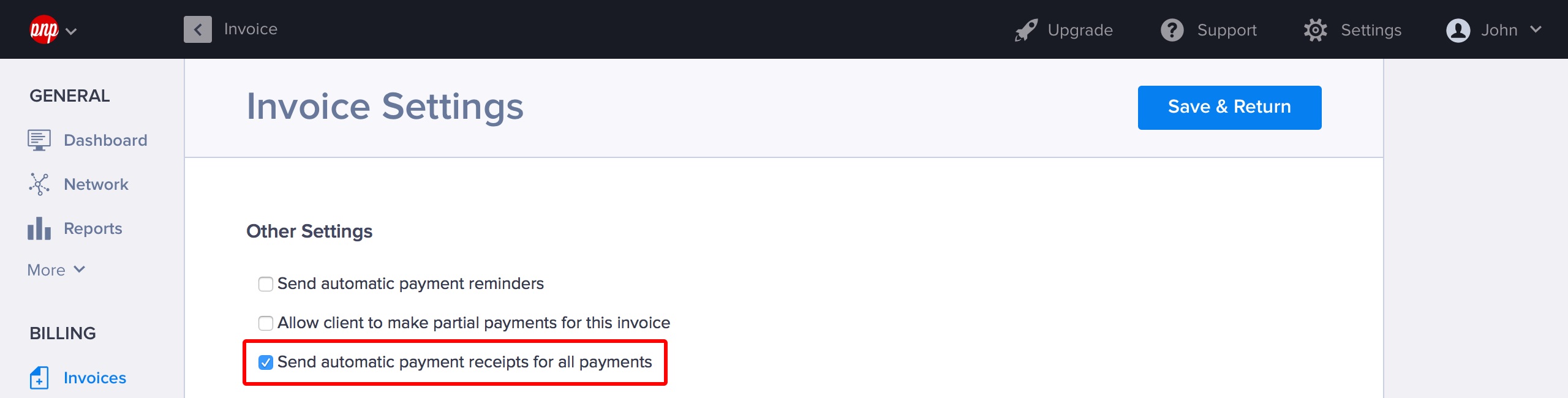
- Click on the Invoice Settings button at the bottom of the page.
- Tick the box labelled Send automatic payment receipts for all the payments under Other Settings.
- Click Save & Return.
Sending a payment receipt for a single payment
Finally, here’s how you send out a receipt for a payment that has already been made.
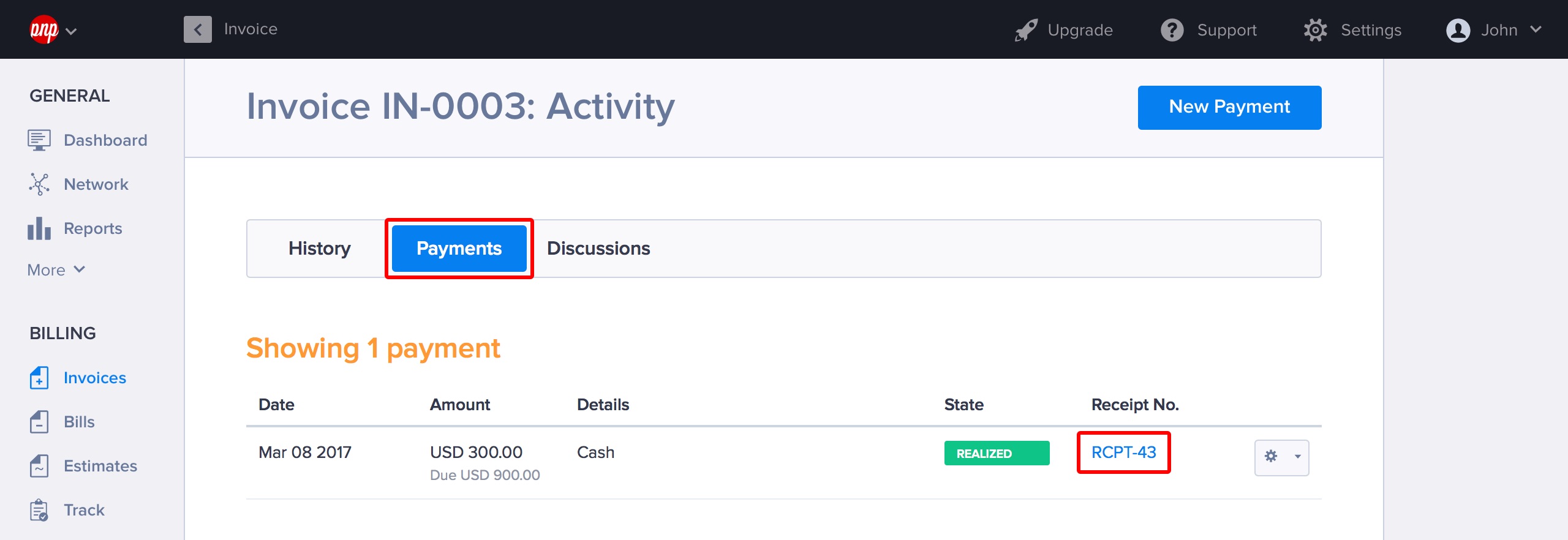
- Open an invoice that already has a payment made against it.
- Scroll down to the Payments tab at the bottom of the invoice
- Under the payment entry, click on Receipt No.
- The receipt will open in a new tab. Click on the Options button.
- Select Send.
- Customize the message if you like, and then click Send.