
Your Hiveage ID is basically your Hiveage subdomain. You need to pick one when you create your account, and you should choose it carefully, because all clients who make a payment to you will see it.
For example, if you use example as your Hiveage ID, your account will be accessible at the URL http://example.hiveage.com.
Changing your Hiveage ID is easy!
- Click on the Settings icon at the top left hand corner of your screen.
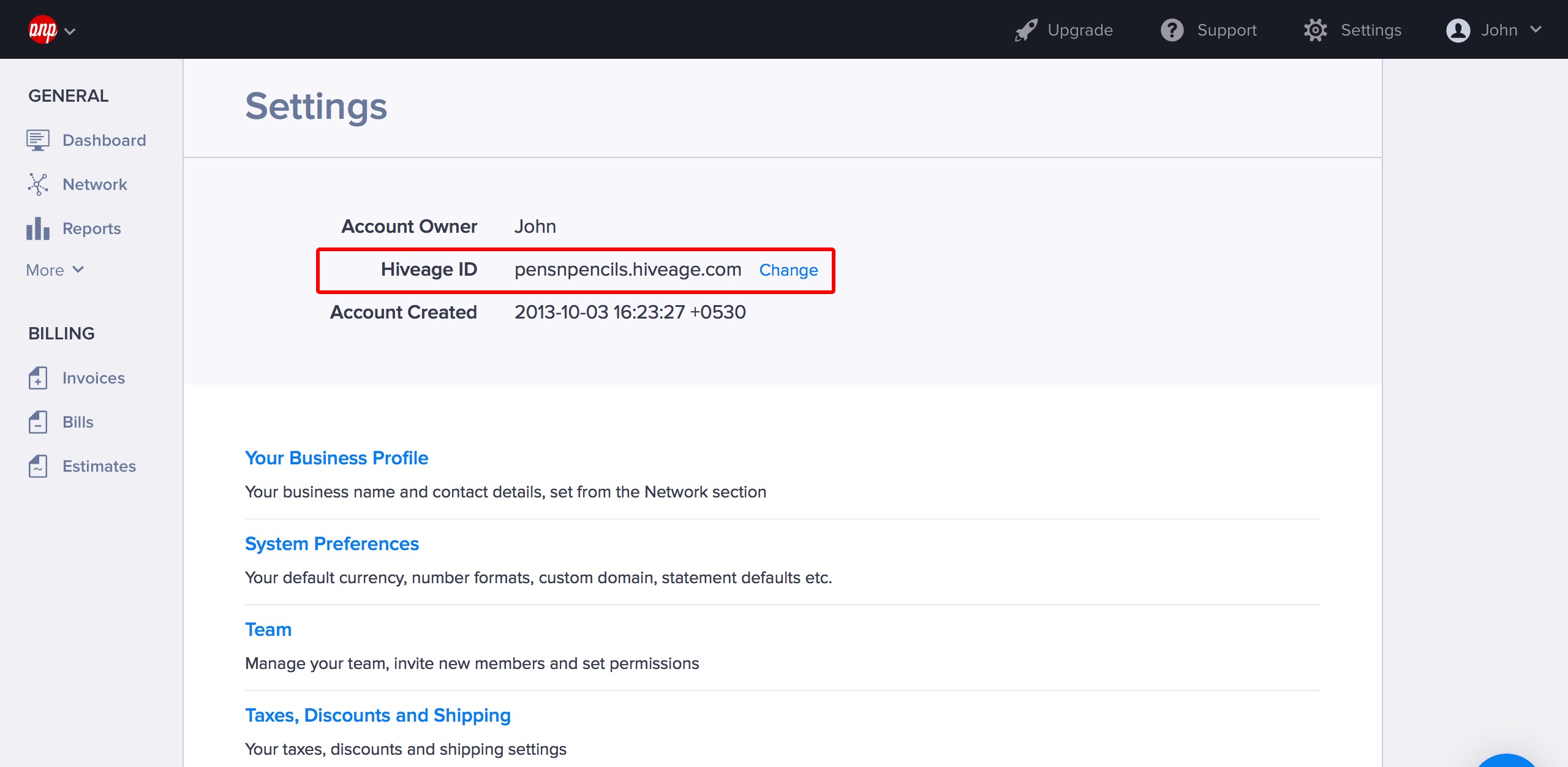
- When the Setting screen opens, it will show your existing Hiveage ID. Click the Change link next to it.
- Hiveage will notify you if the chosen ID is available. Once you are happy with your new ID, click Save. Your Hiveage subdomain will now be changed as well.